Liquid Stack 1.2.0 improves mobile navigation and adds several reusable, optional components without changing the Stack v4 content model.
Shared mobile profile bar
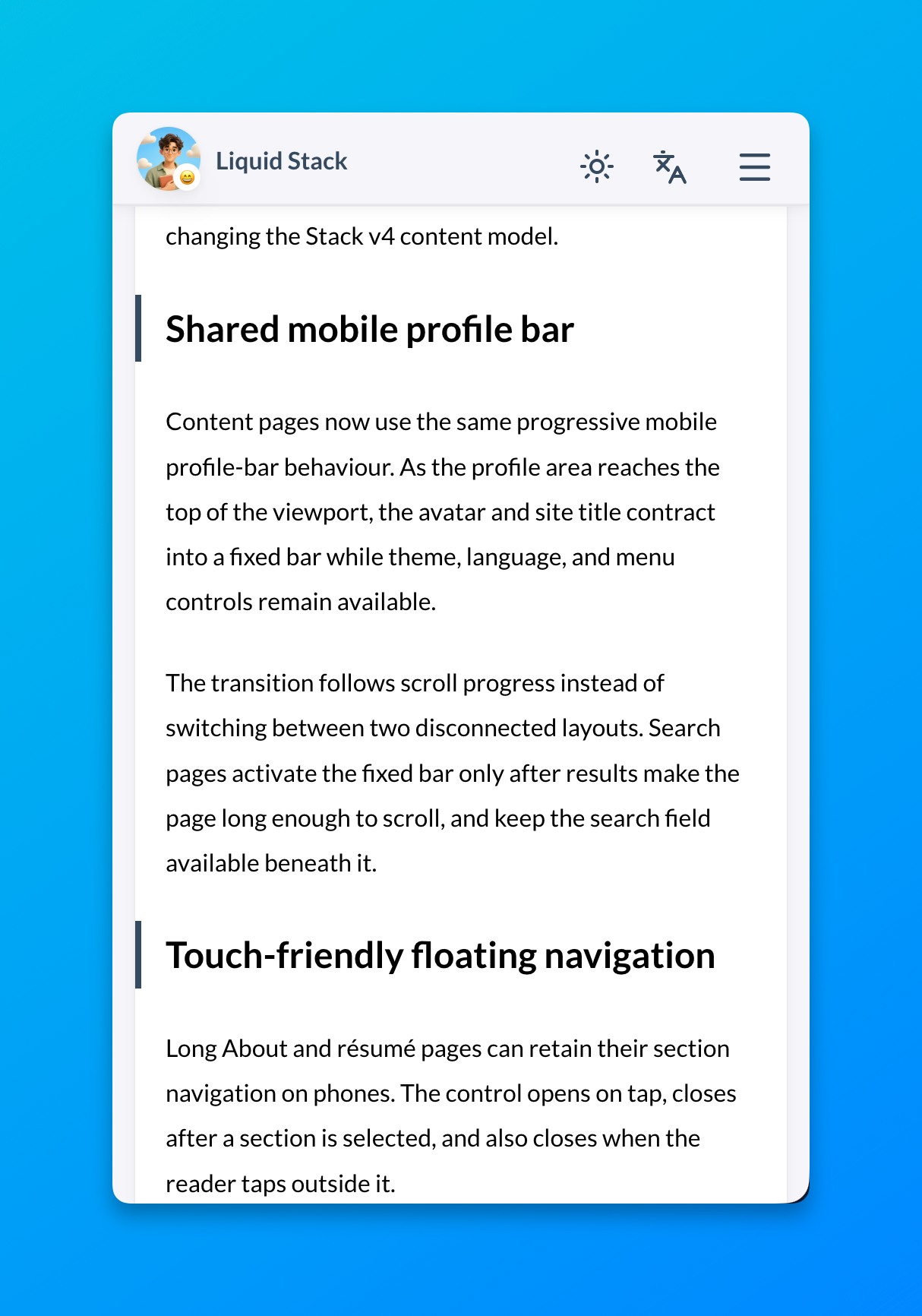
Content pages now include a mobile profile bar. As you scroll, the avatar and site title move into a fixed bar at the top of the screen, with theme, language, and menu controls still available.
On search pages, the bar appears once search results make the page scrollable, and the search field remains available beneath it.
Touch-friendly floating navigation
Long About and résumé pages can retain their section navigation on phones. The control opens on tap, closes after a section is selected, and also closes when the reader taps outside it.
The same responsive pattern can be reused by other long presentation pages.
Optional product catalog demo
A small fictional catalog demonstrates how Hugo data can drive a searchable and filterable presentation page. Its four sample products cover:
- bilingual data;
- name-and-description search;
- status filters and sortable columns;
- collapsible groups;
- responsive table and mobile-card layouts.
The component is deliberately compact. Sites that do not need it can remove its content, data, and layout files without affecting the blog.
Web App foundations
The starter now includes a web manifest, 192- and 512-pixel install icons, Apple standalone metadata, and matching light and dark browser theme colours.
This provides the baseline metadata used when the site is added to a home screen. Version 1.2.0 does not add a service worker or offline cache.
Optional Waline hardening
An opt-in Waline integration adds client hooks for Turnstile-assisted upload sessions and comment verification. It remains disabled by default because the validation endpoints must be implemented by a compatible backend before the checks can provide security guarantees.
The expected backend contract is documented in docs/waline-secure-uploads.md.
Article writing metadata
Posts may now declare one of two optional values:
| |
| |
The article footer and Sveltia CMS expose the matching bilingual label. Omitting the field preserves the previous article presentation.
Compatibility
Version 1.2.0 introduces no intentional breaking changes. Existing Markdown posts, Stack taxonomies, bilingual bundles, and Hugo URLs continue to use the same structure.
For the complete feature guide, see Welcome to Liquid Stack.